 COME
COMECheck a “latest COME APK” claim
“Latest” is a time-sensitive label. Compare version identifiers and the current destination before treating a COME APK listing as a new release.
Look for a specific version
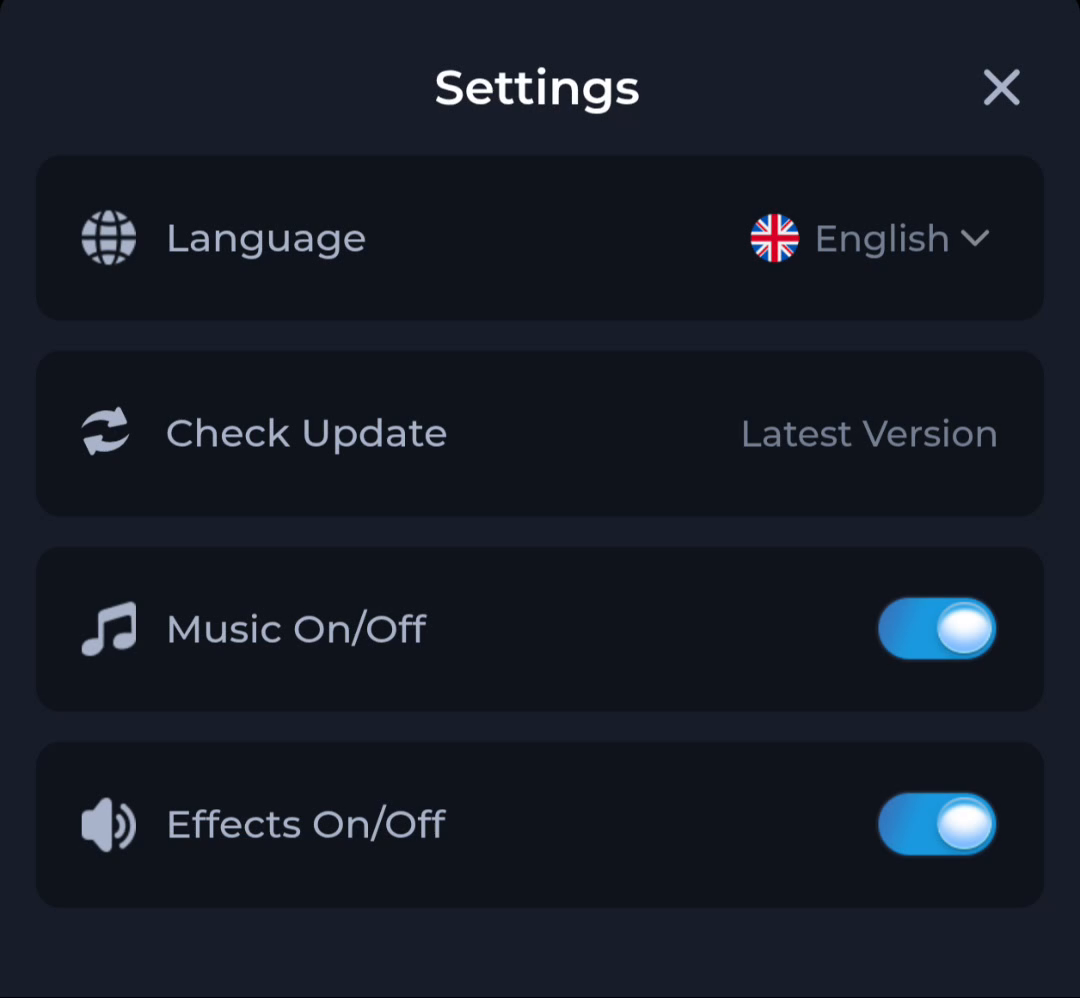
A useful listing identifies a version and says when its information was checked. A heading containing “latest” without an identifier gives you little to compare. The Settings row labelled Latest Version is also not a release number by itself.
Compare the same product
Confirm that the page and the installed app refer to the intended COME product. Do not combine the date from one page, the version from another and a forwarded file as though they formed one verified release.
Avoid forced upgrades
A newer-looking label is not a reason to uninstall a working app, ignore Android warnings or use an unrelated mirror. Preserve account access and inspect the current offered file. If the details conflict, seek clarification through the service's displayed help route.
A useful next step
Use the dated listing on the download page as a comparison point, then check the current offer before updating.
Related: How to read security claims about a COME APK